Accidentally erased a memory? iPhone still holds your deleted photos — this app makes reaching them effortless, so you can bring them back in seconds. 100% private — everything stays on your device.
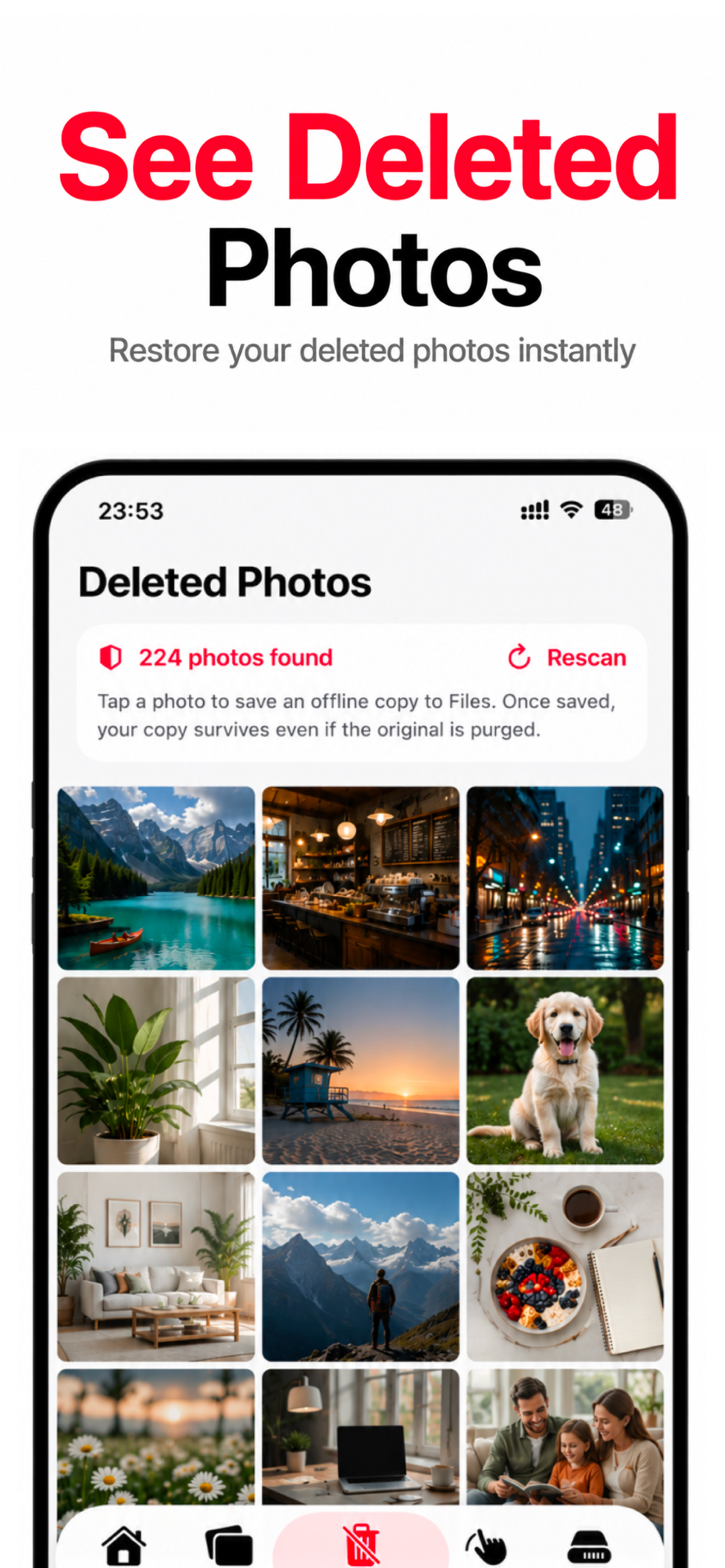
Your iPhone still holds your deleted photos. This app brings them together in one clean grid so you can restore them with a tap.
The app gathers the deleted photos your iPhone is still holding into one clean grid — no endless scrolling, no digging through menus.
Check every photo first, so you only bring back the memories that matter — not the blurry shots and screenshots you meant to delete.
Tap a photo to save a copy straight to Files, so your recovered memories are yours to keep — safely on your own device.
Everything happens on your device. We never upload, share or store your photos. Your gallery stays yours — full stop.
Send recovered photos straight back to your library, right where they belong — instantly, no cables or computer required.
You don't need an iCloud or iTunes backup. The app recovers your photos directly on your iPhone.
Open, preview and restore — the whole thing takes about a minute, and it all stays on your device.
Open the app and grant photo access. It instantly gathers the deleted photos your iPhone is still holding into one clean grid.
Tap through the results and preview each one. Choose only the photos you actually want back — nothing is restored without you.
Send them straight back to your library, or save an offline copy to Files so your memories are safely yours to keep.
Scan your iPhone for deleted photos free — it takes seconds.
A clean gallery of your recoverable photos, one tap to restore.
See every recoverable photo
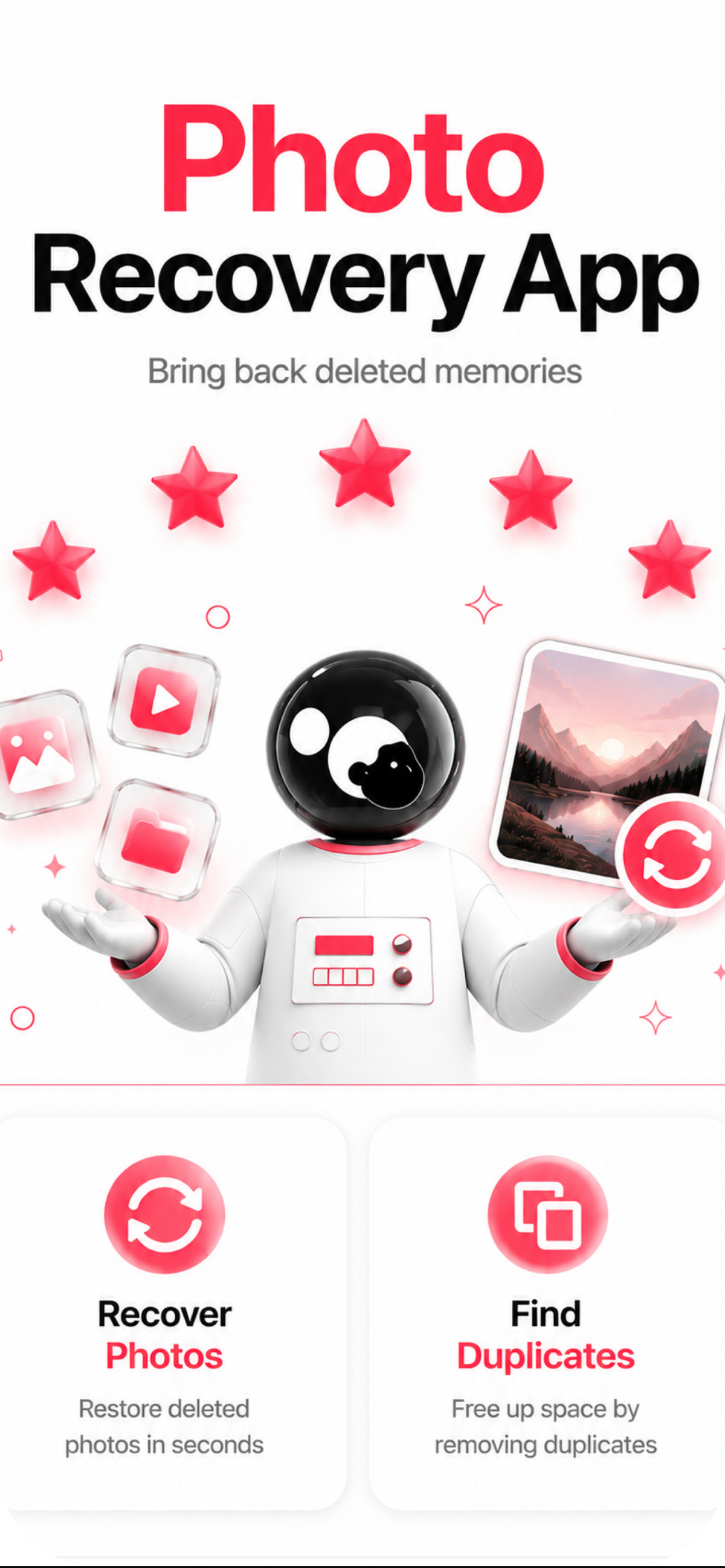
Bring back deleted memories
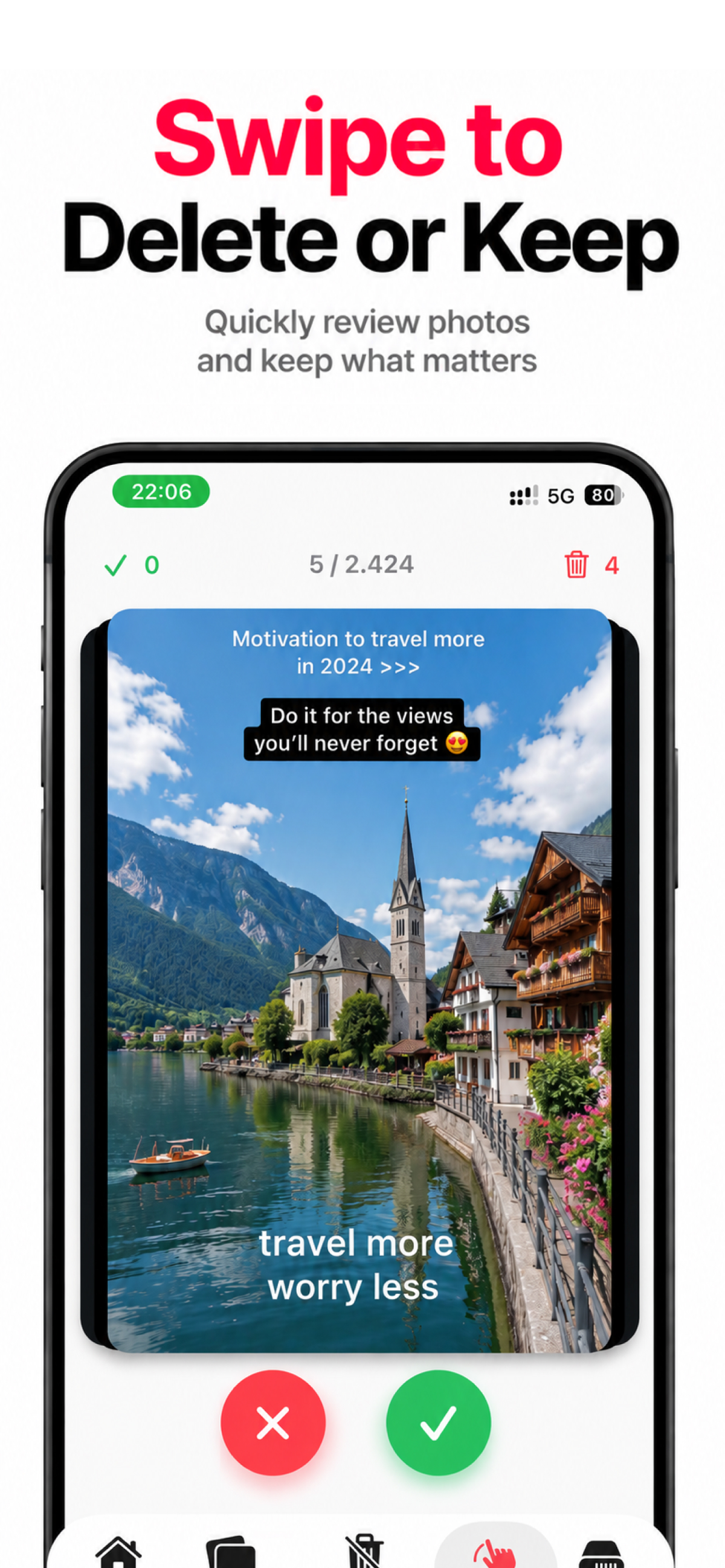
Review and keep what matters
Straight-talking guides for every "I deleted a photo" situation — and exactly how to get it back.
The complete, up-to-date way to get your deleted photos back — step by step.
Read guide → Find itYour iPhone still holds them — see how to reach and restore them fast.
Read guide → Can't find them?Deleted, hidden or moved? Here's how to track them down and bring them back.
Read guide → Gone for good?What "permanently deleted" really means — and how to get back everything you still can.
Read guide → No backupNo iCloud or iTunes backup? You can still get your photos back.
Read guide → VanishedWhen photos vanish after an iOS update or iCloud sync — here's how to restore them.
Read guide →Straight answers before you start.
Yes. The app scans your iPhone for deleted and lost photos, lets you preview what it finds, and restores them to your library — or saves an offline copy so you keep them for good.
Learn more →Open the app, let it scan, preview the photos it finds, and tap to restore the ones you want. It's fast, free to start, and everything stays on your device.
Learn more →As long as your iPhone is still holding a deleted photo, the app can bring it back — and it makes reaching those photos effortless. For anything your device has already let go of, an iCloud or computer backup is the only route.
Learn more →No. The app recovers your deleted photos directly on your iPhone — no iCloud or iTunes backup required, no computer, no cables.
Learn more →iOS keeps your deleted photos on the device, tucked away where they're easy to miss. The app brings them together for you and makes restoring them much faster.
Learn more →Yes — it's free to download and scan for recoverable photos. An optional Premium subscription unlocks the full feature set.
Learn more →No. Everything happens on your device. Your photos are never uploaded, shared or stored on any server — your gallery stays private.
Learn more →Don't give up on a lost memory. Scan, preview and restore your photos in seconds — free, private, and right on your iPhone.